Buy allphone.eu ?
We are moving the project
allphone.eu .
Are you interested in purchasing the domain
allphone.eu ?
domain@kv-gmbh.de · 0541-91531010
Buy allphone.eu ?
How do I activate wireless connectivity in Windows 7?
To activate wireless connectivity in Windows 7, you can follow these steps: 1. Click on the Start button and then select Control Panel. 2. In the Control Panel, click on Network and Sharing Center. 3. In the Network and Sharing Center, click on the "Change adapter settings" option on the left-hand side. 4. Right-click on the wireless network connection and select "Enable" from the drop-down menu. Once you have completed these steps, your wireless connectivity should be activated and you should be able to connect to available wireless networks. **
What is the connectivity issue in Windows XP?
The connectivity issue in Windows XP refers to problems with connecting to the internet or other devices. This could be due to outdated network drivers, misconfigured network settings, or issues with the network adapter. Users may experience difficulties in accessing websites, sharing files, or connecting to wireless networks. Troubleshooting steps such as updating drivers, checking network settings, and resetting the network adapter can help resolve these connectivity issues in Windows XP. **


Similar search terms for Windows
Top-Angebote
Products related to Windows:
-
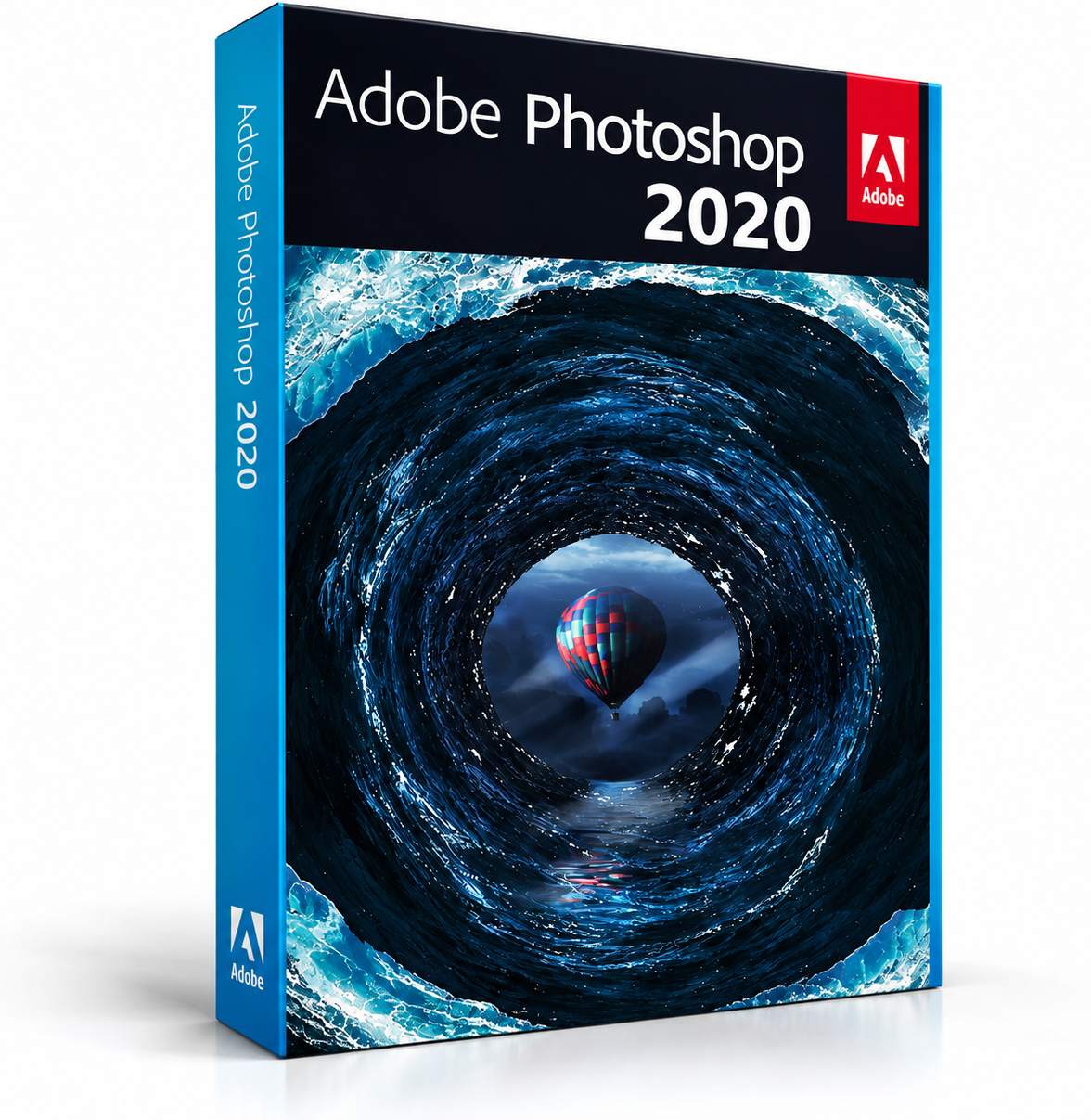
Adobe Photoshop 2020 – Lifetime License for Windows or Mac (1 Device) - WindowsAdobe Photoshop 2020 Lifetime for Windows or Mac Adobe Photoshop 2020 is a professional photo editing and graphic design software for users who need Photoshop without a monthly subscription. This is a preactivated lifetime version for 1 device. You will not receive a product key or Adobe account. After purchase, you will receive a private download link and installation instructions by email. Please choose the correct version before ordering: Windows or Mac. Mac Compatibility Photoshop 2020 was released before the newest macOS versions and before Apple fully moved to Apple Silicon. For Mac, this version is recommended for Intel-based Mac devices only. It is not compatible with macOS Tahoe or later. Adobe lists Photoshop 27.x as the compatible version for macOS Tahoe, which means older versions like Photoshop 2020 are not suitable for Tahoe users. You can check Adobe’s macOS compatibility information here: Adobe apps compatible with macOS. If your Mac is using macOS Tahoe, newer macOS versions, or Apple Silicon only, please do not order this version. Recommended Mac Requirements Requirement Details Processor Intel-based Mac with 64-bit support macOS Older supported macOS versions only RAM 8 GB recommended Storage Around 4 GB free space, more may be needed during installation Display 1280 × 800 or higher File system Not compatible with case-sensitive volumes Windows Compatibility Photoshop 2020 works on supported 64-bit Windows systems. Requirement Details Operating system Windows 10 64-bit recommended Processor Intel or AMD 64-bit processor, 2 GHz or faster RAM 8 GB recommended Graphics OpenGL 2.0 capable graphics card VRAM 2 GB recommended Storage At least 4 GB free space, more may be needed during installation Display 1280 × 800 or higher Adobe’s current technical requirement pages are for newer Photoshop versions, but they show that modern Photoshop compatibility is tied to newer app versions and newer operating systems: Adobe Photoshop technical requirements. What You Can Do With Photoshop 2020 Edit and retouch photos Remove objects and clean images Create posters, banners, and social media designs Work with layers, masks, and effects Adjust colors, brightness, contrast, and exposure Add and edit text Open and edit PSD files Use professional design and photo editing tools Delivery and Installation After your order, you will receive: Private download link Installation instructions Activation steps Video guide Please follow the instructions carefully. This version is preactivated, so it does not activate using an Adobe serial key or Adobe subscription account. FAQ Do I receive a product key? No. This is a preactivated version. No key is included. Do I need an Adobe account? No. This product does not include or require an Adobe subscription account. Can I use it on Mac Tahoe or newer? No. Photoshop 2020 is not compatible with macOS Tahoe or later. Does it work on Apple Silicon Mac? This version is recommended for Intel-based Mac devices. It is not...14,94 £*Shipping: 0,00 £Secure redirect to the provider
-
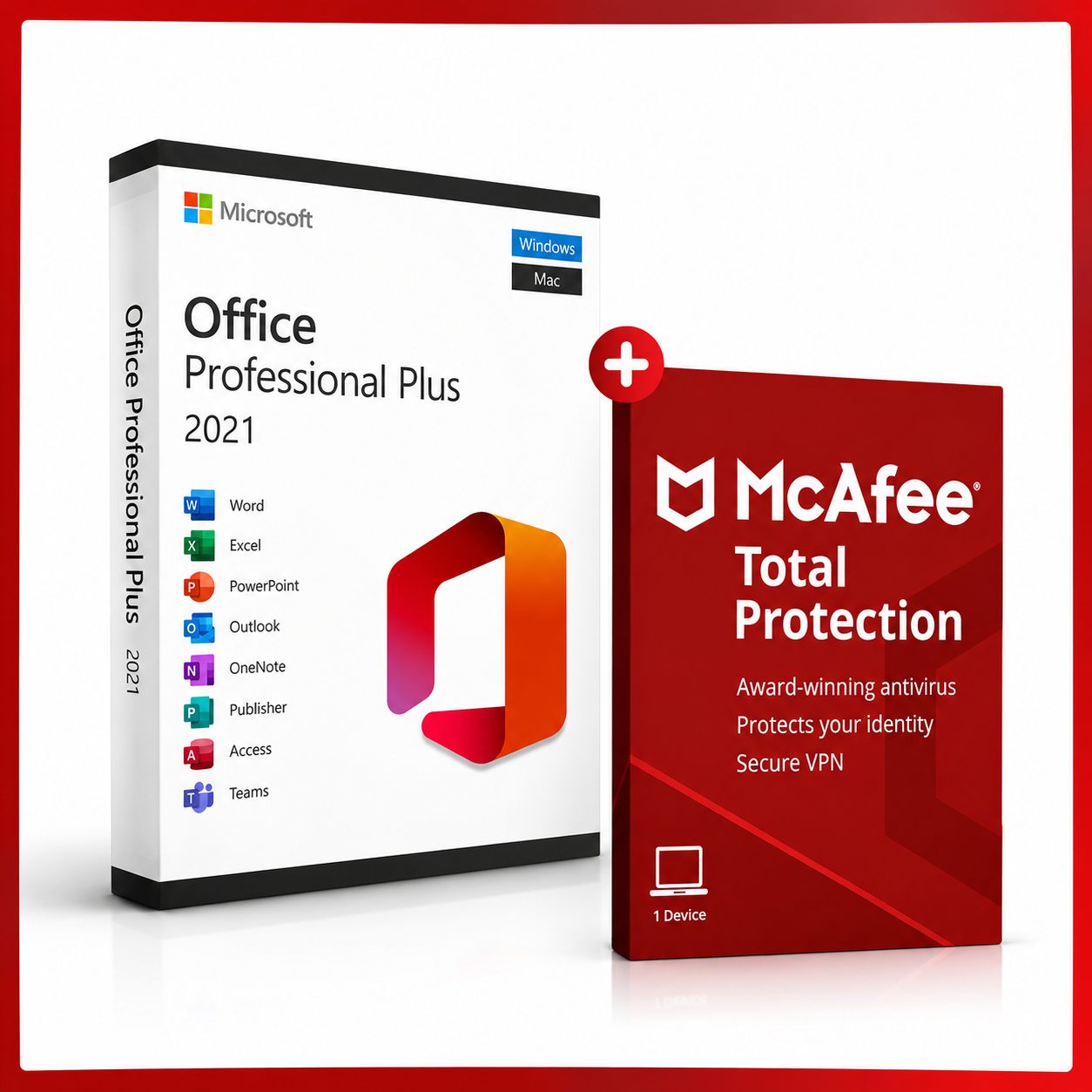
Microsoft Office 2021 Professional Plus + McAfee Total Protection 1 Device Bundle (Windows & Mac) - WindowsMicrosoft Office 2021 Professional Plus + McAfee Total Protection 1 Device Bundle (Windows & Mac) Lifetime Office + 1-Year Premium Security Upgrade your productivity and keep your device protected with this all-in-one software bundle. Get Microsoft Office 2021 Professional Plus with a lifetime license plus McAfee Total Protection for 1 device / 1 year. Whether you're working, studying, or managing your business, this bundle provides the essential productivity tools and advanced security you need at an exceptional value. What's Included Microsoft Office 2021 Professional Plus (Lifetime License) Microsoft Word Microsoft Excel Microsoft PowerPoint Microsoft Outlook Microsoft OneNote Microsoft Access (Windows only) Microsoft Publisher (Windows only) One-time purchase – No monthly or yearly subscription Lifetime license for 1 device Compatible with Windows & Mac* Digital delivery with installation instructions Easy activation *Access and Publisher are available on Windows only. McAfee Total Protection 1 Device License 1-Year Subscription Real-time Antivirus Protection Anti-Malware & Anti-Ransomware Secure Web Browsing Identity & Privacy Protection Password Manager Firewall Protection Automatic Security Updates Compatible with Windows, macOS, Android & iOS System Requirements Microsoft Office 2021 Windows Windows 10 or Windows 11 1.6 GHz or faster dual-core processor 4 GB RAM (64-bit) 4 GB available storage Internet connection for activation Microsoft account required Mac One of the three latest versions of macOS Intel or Apple Silicon (M1, M2, M3) processor 4 GB RAM 10 GB available storage Internet connection for activation Microsoft account required McAfee Total Protection Windows 10 or Windows 11 macOS supported versions Android 10 or later iOS 15 or later Approximately 500 MB available disk space Internet connection required for download, activation, and updates Why Choose This Bundle? Save more by purchasing Office and antivirus together Genuine software with instant digital delivery One-time Office purchase with no recurring fees Premium antivirus protection for one full year Quick and simple installation Secure checkout Fast customer support whenever you need assistance Perfect for students, professionals, home users, and small businesses looking for reliable productivity software and trusted security in one affordable package.16,43 £*Shipping: 0,00 £Secure redirect to the provider
-
Microsoft Office 2024 Pro + McAfee Total Protection 1 Device Bundle (Windows)Microsoft Office 2024 Pro + McAfee Total Protection 1 Device Bundle (Windows) Lifetime Office + 1-Year Antivirus Protection Boost your productivity and protect your PC with this powerful software bundle! This exclusive package includes Microsoft Office 2024 Professional (lifetime activation) and McAfee Total Protection for 1 device (1-year subscription). What’s Included: •Microsoft Office 2024 Professional (Windows Only – Lifetime License) •Apps included: Word, Excel, PowerPoint, Outlook, Access, and OneNote • Use with your own Microsoft account •One-time activation – no subscription required •1 Device (Windows PC only) •Digital delivery: Instant product key + easy installation instructions • McAfee Total Protection – 1 Device / 1 Year •Real-time antivirus, anti-malware, and web protection •Secure your online activity and block hackers •Includes password manager and identity protection tools • Works on Windows, Mac, Android, or iOS 📌 Requirements: Office 2024 Pro: •Operating System: Windows 10 or Windows 11 (64-bit) •Processor: 1.6 GHz or faster, dual-core •RAM: 4 GB or more •Storage: 4 GB available space •Microsoft account (to activate and use Office) McAfee Total Protection: •Works on: Windows 10/11, macOS, Android, iOS •Internet connection required for download, activation, and updates •500 MB free disk space (Windows) 💡 Why Choose This Bundle? •Save more with two essential tools in one deal •Perfect for home or business use •Instant delivery and step-by-step setup instructions •Secure payment and fast support22,66 £*Shipping: 0,00 £Secure redirect to the provider
-
Gioteck Smart TV+ Duo Wireless Controller - White/Grey for Smart TV, Windows, ChromeOS, iOS, AndroidThe Gioteck Smart TV+ Duo Wireless Controller is a versatile gaming pad designed for compatible smart TVs, Windows and ChromeOS computers, iOS devices, and Android devices. Its four-position mode switch makes it straightforward to select the connection method for your chosen platform. You can choose between wireless or wired play by connecting through Bluetooth 5.0, using the supplied 2.4GHz USB wireless adapter, or attaching the included 2.5-metre USB data cable. The controller automatically reconnects to the most recently paired Bluetooth device, helping you get back into compatible games quickly. Key features include responsive controls with dual analogue sticks, a D-pad, face buttons, bumpers, and analogue triggers. It also offers customisable lighting, allowing you to cycle through available RGB stick-light colours or switch them off, turbo functions to assign Turbo or Turbo Hold operation to supported action buttons, and vibration support for tactile feedback when supported by the connected device.24,99 £*Shipping: 3,95 £Secure redirect to the provider


-
How do I enable IPv4 connectivity in Windows 10?
To enable IPv4 connectivity in Windows 10, you can follow these steps: 1. Right-click on the network icon in the system tray and select "Open Network & Internet settings." 2. Click on "Change adapter options" under the "Advanced network settings" section. 3. Right-click on your network connection and select "Properties." 4. In the Properties window, scroll down and check the box next to "Internet Protocol Version 4 (TCP/IPv4)." 5. Click OK to save the changes, and your Windows 10 system should now have IPv4 connectivity enabled. **
-
Does emulated Windows on a mobile device count as a laptop?
Emulated Windows on a mobile device does not count as a laptop. While the emulated Windows environment may provide similar functionality to a laptop, the physical form factor and hardware components of a mobile device are different from those of a laptop. Laptops typically have larger screens, physical keyboards, and more powerful processors compared to mobile devices, which are designed for portability and convenience. **
-
Should I use an iPad or a Windows device for digital drawing and painting?
It ultimately depends on your personal preferences and needs. If you prefer a wide range of drawing and painting apps and a more portable device, an iPad may be the better choice. However, if you need more powerful software and prefer a wider range of hardware options, a Windows device may be more suitable. Consider factors such as the specific software you want to use, your budget, and your preferred drawing and painting workflow before making a decision. **
-
Why can't your Windows copy be activated because the digital license for this device has already been used for reactivating Windows?
Your Windows copy may not be activated because the digital license for your device has already been used to reactivate Windows on another device. Each digital license is tied to a specific device, and it can only be used to activate Windows on that particular device. If you are trying to activate Windows on a different device using the same digital license, it will not work and you will need to obtain a new license for the new device. **
How do I upgrade a Windows 10 digital license to Windows 11?
To upgrade a Windows 10 digital license to Windows 11, you can do so through the Windows Update feature on your computer. Make sure your Windows 10 is up to date with the latest updates, then check for the Windows 11 upgrade in the Windows Update settings. If your device meets the system requirements for Windows 11, you should see the option to upgrade. Follow the on-screen instructions to complete the upgrade process. **
Which technology forums are there about Windows?
There are several technology forums dedicated to discussing Windows, including the Microsoft Community, Windows Central, and Ten Forums. These forums provide a platform for users to ask questions, seek troubleshooting help, and share tips and tricks related to Windows operating systems. Additionally, these forums often have dedicated sections for specific versions of Windows, such as Windows 10 or Windows 11, allowing users to find information tailored to their specific needs. **
Top-Angebote
Products related to Windows:
-
Microsoft Office for Windows 1 DeviceMicrosoft Office for Windows 1 Device. Lifetime licence for 1 device for Windows, delivered digitally by email. Includes essential productivity applications for work and home, multilingual support where available, official download access and installation guidance. No physical product or shipping is required.29,95 £*Shipping: 0,00 £Secure redirect to the provider
-
Adobe Photoshop 2020 – Lifetime License for Windows or Mac (1 Device) - WindowsAdobe Photoshop 2020 Lifetime for Windows or Mac Adobe Photoshop 2020 is a professional photo editing and graphic design software for users who need Photoshop without a monthly subscription. This is a preactivated lifetime version for 1 device. You will not receive a product key or Adobe account. After purchase, you will receive a private download link and installation instructions by email. Please choose the correct version before ordering: Windows or Mac. Mac Compatibility Photoshop 2020 was released before the newest macOS versions and before Apple fully moved to Apple Silicon. For Mac, this version is recommended for Intel-based Mac devices only. It is not compatible with macOS Tahoe or later. Adobe lists Photoshop 27.x as the compatible version for macOS Tahoe, which means older versions like Photoshop 2020 are not suitable for Tahoe users. You can check Adobe’s macOS compatibility information here: Adobe apps compatible with macOS. If your Mac is using macOS Tahoe, newer macOS versions, or Apple Silicon only, please do not order this version. Recommended Mac Requirements Requirement Details Processor Intel-based Mac with 64-bit support macOS Older supported macOS versions only RAM 8 GB recommended Storage Around 4 GB free space, more may be needed during installation Display 1280 × 800 or higher File system Not compatible with case-sensitive volumes Windows Compatibility Photoshop 2020 works on supported 64-bit Windows systems. Requirement Details Operating system Windows 10 64-bit recommended Processor Intel or AMD 64-bit processor, 2 GHz or faster RAM 8 GB recommended Graphics OpenGL 2.0 capable graphics card VRAM 2 GB recommended Storage At least 4 GB free space, more may be needed during installation Display 1280 × 800 or higher Adobe’s current technical requirement pages are for newer Photoshop versions, but they show that modern Photoshop compatibility is tied to newer app versions and newer operating systems: Adobe Photoshop technical requirements. What You Can Do With Photoshop 2020 Edit and retouch photos Remove objects and clean images Create posters, banners, and social media designs Work with layers, masks, and effects Adjust colors, brightness, contrast, and exposure Add and edit text Open and edit PSD files Use professional design and photo editing tools Delivery and Installation After your order, you will receive: Private download link Installation instructions Activation steps Video guide Please follow the instructions carefully. This version is preactivated, so it does not activate using an Adobe serial key or Adobe subscription account. FAQ Do I receive a product key? No. This is a preactivated version. No key is included. Do I need an Adobe account? No. This product does not include or require an Adobe subscription account. Can I use it on Mac Tahoe or newer? No. Photoshop 2020 is not compatible with macOS Tahoe or later. Does it work on Apple Silicon Mac? This version is recommended for Intel-based Mac devices. It is not...14,94 £*Shipping: 0,00 £Secure redirect to the provider
-
Microsoft Office 2021 Professional Plus + McAfee Total Protection 1 Device Bundle (Windows & Mac) - WindowsMicrosoft Office 2021 Professional Plus + McAfee Total Protection 1 Device Bundle (Windows & Mac) Lifetime Office + 1-Year Premium Security Upgrade your productivity and keep your device protected with this all-in-one software bundle. Get Microsoft Office 2021 Professional Plus with a lifetime license plus McAfee Total Protection for 1 device / 1 year. Whether you're working, studying, or managing your business, this bundle provides the essential productivity tools and advanced security you need at an exceptional value. What's Included Microsoft Office 2021 Professional Plus (Lifetime License) Microsoft Word Microsoft Excel Microsoft PowerPoint Microsoft Outlook Microsoft OneNote Microsoft Access (Windows only) Microsoft Publisher (Windows only) One-time purchase – No monthly or yearly subscription Lifetime license for 1 device Compatible with Windows & Mac* Digital delivery with installation instructions Easy activation *Access and Publisher are available on Windows only. McAfee Total Protection 1 Device License 1-Year Subscription Real-time Antivirus Protection Anti-Malware & Anti-Ransomware Secure Web Browsing Identity & Privacy Protection Password Manager Firewall Protection Automatic Security Updates Compatible with Windows, macOS, Android & iOS System Requirements Microsoft Office 2021 Windows Windows 10 or Windows 11 1.6 GHz or faster dual-core processor 4 GB RAM (64-bit) 4 GB available storage Internet connection for activation Microsoft account required Mac One of the three latest versions of macOS Intel or Apple Silicon (M1, M2, M3) processor 4 GB RAM 10 GB available storage Internet connection for activation Microsoft account required McAfee Total Protection Windows 10 or Windows 11 macOS supported versions Android 10 or later iOS 15 or later Approximately 500 MB available disk space Internet connection required for download, activation, and updates Why Choose This Bundle? Save more by purchasing Office and antivirus together Genuine software with instant digital delivery One-time Office purchase with no recurring fees Premium antivirus protection for one full year Quick and simple installation Secure checkout Fast customer support whenever you need assistance Perfect for students, professionals, home users, and small businesses looking for reliable productivity software and trusted security in one affordable package.16,43 £*Shipping: 0,00 £Secure redirect to the provider
-
How do I activate wireless connectivity in Windows 7?
To activate wireless connectivity in Windows 7, you can follow these steps: 1. Click on the Start button and then select Control Panel. 2. In the Control Panel, click on Network and Sharing Center. 3. In the Network and Sharing Center, click on the "Change adapter settings" option on the left-hand side. 4. Right-click on the wireless network connection and select "Enable" from the drop-down menu. Once you have completed these steps, your wireless connectivity should be activated and you should be able to connect to available wireless networks. **
-
What is the connectivity issue in Windows XP?
The connectivity issue in Windows XP refers to problems with connecting to the internet or other devices. This could be due to outdated network drivers, misconfigured network settings, or issues with the network adapter. Users may experience difficulties in accessing websites, sharing files, or connecting to wireless networks. Troubleshooting steps such as updating drivers, checking network settings, and resetting the network adapter can help resolve these connectivity issues in Windows XP. **
-
How do I enable IPv4 connectivity in Windows 10?
To enable IPv4 connectivity in Windows 10, you can follow these steps: 1. Right-click on the network icon in the system tray and select "Open Network & Internet settings." 2. Click on "Change adapter options" under the "Advanced network settings" section. 3. Right-click on your network connection and select "Properties." 4. In the Properties window, scroll down and check the box next to "Internet Protocol Version 4 (TCP/IPv4)." 5. Click OK to save the changes, and your Windows 10 system should now have IPv4 connectivity enabled. **
-
Does emulated Windows on a mobile device count as a laptop?
Emulated Windows on a mobile device does not count as a laptop. While the emulated Windows environment may provide similar functionality to a laptop, the physical form factor and hardware components of a mobile device are different from those of a laptop. Laptops typically have larger screens, physical keyboards, and more powerful processors compared to mobile devices, which are designed for portability and convenience. **
Similar search terms for Windows
-
Microsoft Office 2024 Pro + McAfee Total Protection 1 Device Bundle (Windows)Microsoft Office 2024 Pro + McAfee Total Protection 1 Device Bundle (Windows) Lifetime Office + 1-Year Antivirus Protection Boost your productivity and protect your PC with this powerful software bundle! This exclusive package includes Microsoft Office 2024 Professional (lifetime activation) and McAfee Total Protection for 1 device (1-year subscription). What’s Included: •Microsoft Office 2024 Professional (Windows Only – Lifetime License) •Apps included: Word, Excel, PowerPoint, Outlook, Access, and OneNote • Use with your own Microsoft account •One-time activation – no subscription required •1 Device (Windows PC only) •Digital delivery: Instant product key + easy installation instructions • McAfee Total Protection – 1 Device / 1 Year •Real-time antivirus, anti-malware, and web protection •Secure your online activity and block hackers •Includes password manager and identity protection tools • Works on Windows, Mac, Android, or iOS 📌 Requirements: Office 2024 Pro: •Operating System: Windows 10 or Windows 11 (64-bit) •Processor: 1.6 GHz or faster, dual-core •RAM: 4 GB or more •Storage: 4 GB available space •Microsoft account (to activate and use Office) McAfee Total Protection: •Works on: Windows 10/11, macOS, Android, iOS •Internet connection required for download, activation, and updates •500 MB free disk space (Windows) 💡 Why Choose This Bundle? •Save more with two essential tools in one deal •Perfect for home or business use •Instant delivery and step-by-step setup instructions •Secure payment and fast support22,66 £*Shipping: 0,00 £Secure redirect to the provider
-
Gioteck Smart TV+ Duo Wireless Controller - White/Grey for Smart TV, Windows, ChromeOS, iOS, AndroidThe Gioteck Smart TV+ Duo Wireless Controller is a versatile gaming pad designed for compatible smart TVs, Windows and ChromeOS computers, iOS devices, and Android devices. Its four-position mode switch makes it straightforward to select the connection method for your chosen platform. You can choose between wireless or wired play by connecting through Bluetooth 5.0, using the supplied 2.4GHz USB wireless adapter, or attaching the included 2.5-metre USB data cable. The controller automatically reconnects to the most recently paired Bluetooth device, helping you get back into compatible games quickly. Key features include responsive controls with dual analogue sticks, a D-pad, face buttons, bumpers, and analogue triggers. It also offers customisable lighting, allowing you to cycle through available RGB stick-light colours or switch them off, turbo functions to assign Turbo or Turbo Hold operation to supported action buttons, and vibration support for tactile feedback when supported by the connected device.24,99 £*Shipping: 3,95 £Secure redirect to the provider
-
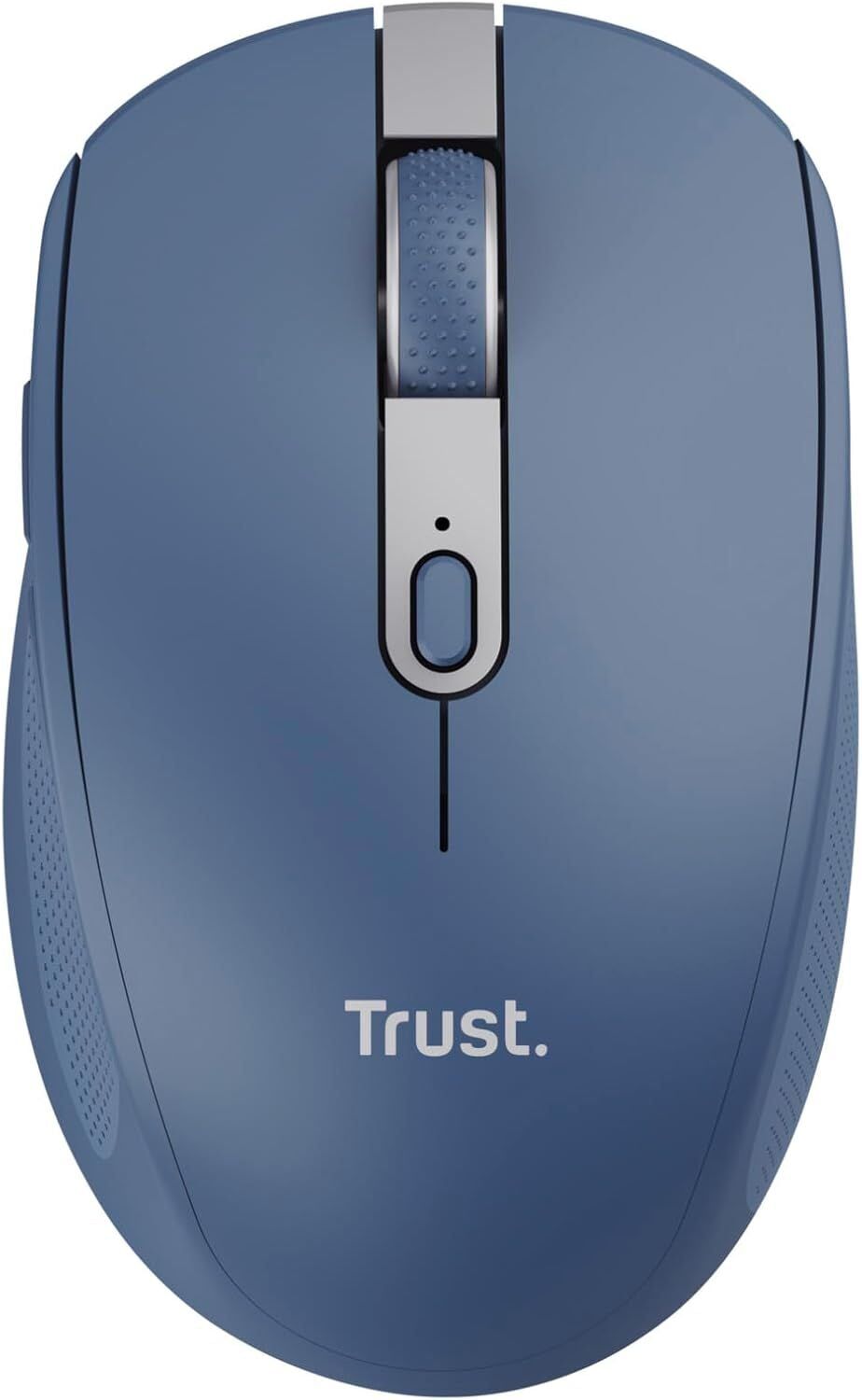
Trust Ozaa Silent Wireless Mouse - Bluetooth & 2.4GHz, Multi-Device, Eco-Friendly, Rechargeable, for Windows, Mac, Android, Laptop & PC - Blue, NewThe Trust Ozaa Compact Multi-Device Wireless Mouse is designed for modern professionals who value versatility, comfort, and sustainability. Seamlessly connect up to three devices using Bluetooth or the 2.4 GHz receiver, and switch effortlessly between them. With silent buttons, adjustable DPI (800-3200), and compatibility across multiple operating systems (Windows, iOS, MacOS, Android, Chrome OS), this mouse enhances productivity without disturbing your surroundings. Made with 60% recycled plastics, it aligns performance with eco-conscious values. The built-in rechargeable battery offers up to one month of uninterrupted usage, keeping you productive wherever you are. Brand: Trust Colour: Blue Connectivity: Bluetooth and 2.4 GHz RF receiver Movement Detection: Optical DPI Range: Adjustable (800-3200) Battery Life: Up to 1 month per charge Recycled Materials: Made from 60% recycled plastics Compatibility: Windows, iOS, iPadOS, MacOS, Android, Chrome OS Multi-Device Connection: Connect and switch between up to three devices with ease. Silent Operation: Quiet mouse buttons ensure disturbance-free usage in any environment. Adjustable DPI: Choose between DPI settings from 800 to 3200 for precise control. Eco-Friendly Design: Built with 60% recycled plastics for sustainable performance. Rechargeable Battery: Up to one month of usage per charge, with the ability to work while charging. Wide Compatibility: Works seamlessly with Windows, MacOS, iOS, Android, and Chrome OS.34,99 £*Shipping: 0,00 £Secure redirect to the provider
-
Microsoft Office for Windows 1 DeviceMicrosoft Office for Windows 1 Device. Lifetime licence for 1 device for Windows, delivered digitally by email. Includes essential productivity applications for work and home, multilingual support where available, official download access and installation guidance. No physical product or shipping is required.27,95 £*Shipping: 0,00 £Secure redirect to the provider
-
Should I use an iPad or a Windows device for digital drawing and painting?
It ultimately depends on your personal preferences and needs. If you prefer a wide range of drawing and painting apps and a more portable device, an iPad may be the better choice. However, if you need more powerful software and prefer a wider range of hardware options, a Windows device may be more suitable. Consider factors such as the specific software you want to use, your budget, and your preferred drawing and painting workflow before making a decision. **
-
Why can't your Windows copy be activated because the digital license for this device has already been used for reactivating Windows?
Your Windows copy may not be activated because the digital license for your device has already been used to reactivate Windows on another device. Each digital license is tied to a specific device, and it can only be used to activate Windows on that particular device. If you are trying to activate Windows on a different device using the same digital license, it will not work and you will need to obtain a new license for the new device. **
-
How do I upgrade a Windows 10 digital license to Windows 11?
To upgrade a Windows 10 digital license to Windows 11, you can do so through the Windows Update feature on your computer. Make sure your Windows 10 is up to date with the latest updates, then check for the Windows 11 upgrade in the Windows Update settings. If your device meets the system requirements for Windows 11, you should see the option to upgrade. Follow the on-screen instructions to complete the upgrade process. **
-
Which technology forums are there about Windows?
There are several technology forums dedicated to discussing Windows, including the Microsoft Community, Windows Central, and Ten Forums. These forums provide a platform for users to ask questions, seek troubleshooting help, and share tips and tricks related to Windows operating systems. Additionally, these forums often have dedicated sections for specific versions of Windows, such as Windows 10 or Windows 11, allowing users to find information tailored to their specific needs. **
* All prices are inclusive of VAT and, if applicable, plus shipping costs. The offer information is based on the details provided by the respective shop and is updated through automated processes. Real-time updates do not occur, so deviations can occur in individual cases. ** Note: Parts of this content were created by AI.