Buy allphone.eu ?
We are moving the project
allphone.eu .
Are you interested in purchasing the domain
allphone.eu ?
domain@kv-gmbh.de · 0541-91531010
Buy allphone.eu ?
Can I install Photoshop on another device?
Yes, you can install Photoshop on another device as long as you have a valid license that allows for multiple installations. Adobe offers different subscription plans that allow you to install Photoshop on multiple devices. Make sure to check your license agreement to ensure you are compliant with Adobe's terms and conditions. **
What are the disadvantages of smart objects in Photoshop?
Some disadvantages of smart objects in Photoshop include the larger file sizes they create, which can slow down your computer and take up more storage space. Additionally, smart objects can limit your ability to make direct edits to the content within them, requiring you to go through extra steps to make changes. Finally, smart objects can sometimes cause compatibility issues when transferring files between different versions of Photoshop or other software programs. **

Similar search terms for Photoshop
Top-Angebote
Products related to Photoshop:
-
Adobe Photoshop Elements 2026License features Adobe Photoshop Elements Annual subscription Supported on Windows and Mac Adobe Certified Reseller PrimeLicense is an Adobe Certified Reseller. This certification means that we are authorised to sell Adobe products and services and that we have met the product knowledge requirements. As a certified reseller, we ensure that customers receive authentic products, excellent support, and the best experience when buying Adobe products such as Creative Cloud, Acrobat, etc. Photoshop Elements 2026: Software Overview Photoshop Elements 2026 brings a simpler, smarter, and more creative photo-editing experience — ideal for anyone from casual photographers to hobby creators and content makers. Whether you want quick fixes or full creative control, this version adapts to your skill level and workflow, helping you achieve impressive results with ease. Key features in the 2026 release include: Generative AI tools: Create entirely new images or backgrounds using a text prompt, or insert AI-generated objects directly into your photos for fast and creative edits. Restore Photo tool: Bring old or damaged photos back to life by removing scratches, creases and other imperfections automatically. Improved Remove Tool: Easily erase unwanted objects or people from the scene thanks to smarter AI-powered detection. Free Adobe Express templates: Access a large library of templates to create social posts, cards, photo books, posters and other projects quickly. Smoother workflow and interface improvements: Enjoy updated crop handles, contextual toolbars, clearer tooltips and a built-in spell checker to make editing faster and more intuitive. Mobile photo import via QR: Import photos from your phone instantly by scanning a QR code — no cables required. Enhanced Organizer: Benefit from faster imports, improved cloud support, and better full-screen and zoom controls for managing large photo collections. With these upgrades, Photoshop Elements 2026 gives you powerful creative tools, streamlined workflows and an intuitive editing experience. Whether you want to enhance everyday snapshots or create polished visual projects, this version offers everything you need to bring your ideas to life. Available for Windows and Mac Photoshop Elements 2026 works seamlessly on both Windows and macOS, with all major features — including AI tools, templates and workflow enhancements — available on both platforms. What is the difference between Photoshop and Photoshop Elements? In general, Photoshop and Photoshop Elements are two photo editing programmes, but they are geared towards different categories of users and offer different opportunities. Photoshop is professional-level software with advanced functions that is used by photographers, graphic designers and digital artists to perform complex artistic work. Photoshop puts you in full control and allows you to edit every little detail with features such as layering, masking and filtering. Photoshop is part of Adobe's Creative...85,90 £*Shipping: 0,00 £Secure redirect to the provider
-
Adobe Photoshop - 1 MonthProduct Details Available as a 1-month or 3-month subscription, with access for 1 user across 2 devices 20 GB of Adobe cloud storage included Adobe Bridge and Lightroom bundled in at no extra cost, so you have a full creative workflow out of the box The licence unlocks every recent Photoshop release — 2023, 2024, and 2025 This Photoshop licence key gives you unrestricted access to every tool the software ships with. After checkout you receive an official activation key by email that unlocks Adobe Photoshop, Adobe Lightroom, and Adobe Bridge. Photoshop runs on both Windows and Mac, so you can install it on whichever machine fits your workflow. Genuine Licence Key from an Adobe Certified Partner PrimeLicense is a certified Adobe reseller, authorised to distribute genuine Adobe software. Every licence sold through our store is sourced through official channels, which means installation is clean, activation is immediate, and your usage is fully compliant. Free Technical Support Our multilingual support team is available seven days a week to help with installation, activation, and anything that does not behave as expected. Send a short description of the issue, ideally with a screenshot, and we will walk you through the fix. How to Get Adobe Photoshop in 3 Simple Steps Buy your licence key — Pick the 1-month or 3-month plan, complete checkout, and you will receive your product key and setup instructions by email. Download and install the software — Follow the link to the official Adobe site, download Photoshop, and run the installer. Activate the software — Sign in with the credentials tied to your key and start editing right away. Save More — Buy Photoshop as Part of a Bundle A bundle works out cheaper per app if you already know you need more than just Photoshop: Adobe Photography Plan (20 GB) — Pairs Photoshop with Lightroom and 20 GB of cloud storage. A strong fit for photographers and retouchers who want a longer commitment at a lower monthly cost. Adobe Creative Cloud All Apps (100 GB) — Unlocks the full Adobe suite: Photoshop, Illustrator, Premiere Pro, InDesign, After Effects and more, with 100 GB of storage. The right choice if your work spans photo, video, and design. Adobe Photoshop 2023, 2024, 2025 — Which Version to Choose Each release layers in new AI tools, performance gains, and compatibility improvements. The version that suits you depends on the hardware you run and the tools you rely on day to day. Photoshop 2023 — A stable, proven release covering the core editing essentials. Lacks the generative AI tools introduced later. Photoshop 2024 — Adds AI-powered features including Generative Fill and Generative Expand, refined selection tools, and a cleaner interface. Photoshop 2025 — The most capable release, with improved AI tooling, faster rendering on modern hardware, and smoother collaboration features. Important: A Photoshop file saved in a newer release cannot be opened by an older one — for example, Photoshop 2023 cannot read a...20,90 £*Shipping: 0,00 £Secure redirect to the provider
-
Adobe Photoshop 2025 for macOS Activation key (Global)Adobe Photoshop 2025 Activation Key (macOS - Global Lifetime key, only works with Adobe Photoshop 2025 ( It does not work with Adobe Cloud or other versions ) Generative Fill not include Firefly generative AI not include Updating to the latest version not include ✔To download the official software and activate the license, follow these steps. 1- You need to have Adobe Creative Cloud services installed on your device, if it is already installed, skip this step. 2- Download the official program provided with the order. for macOS. 3- Activate the received serial. ✅An example of a serial number: XXXX-XXXX-XXXX-XXXX-XXXX-XXXX Platform: Recommended macOS Sonoma14.6.1 or higher Multicore Intel® or Apple Silicon processor (64-bit) Using the software on versions older than those recommended above is at your own risk; no refunds are available. Note: The software does not work at all on version 12 it does work on version 13 but as previously stateduse is at your own risk • RAM (Memory): • Minimum: 8 GB • Recommended: 16 GB or more • Hard Disk Space: • Minimum: 10 GB of available space for installation • Recommended: 100 GB or more (fast internal SSD with a separate scratch disk) • Graphics (GPU): • Metal-capable graphics processor • Minimum VRAM: 1.5 GB • Recommended VRAM: 4 GB or more (especially for 4K displays) • Display Resolution: 1280 x 800 minimum (1920 x 1080 or greater recommended at 100% scaling)10,03 £*Shipping: 0,00 £Secure redirect to the provider



-
What are the disadvantages of Smart Objects in Photoshop?
One disadvantage of Smart Objects in Photoshop is that they can increase file size, which may slow down the performance of the software. Another drawback is that once an image is converted to a Smart Object, it can be more challenging to make direct edits to the content within the Smart Object. Additionally, Smart Objects may not be compatible with certain filters or adjustments, limiting the flexibility of editing options. **
-
From when could one photoshop pictures? When was Photoshop invented?
One could start photoshopping pictures from the time Adobe Photoshop was first released in 1988. Photoshop was invented by Thomas and John Knoll and was initially released as a Mac-only application. It has since become the industry standard for photo editing and manipulation, allowing users to alter and enhance digital images in a wide variety of ways. **
-
Is Photoshop absolutely necessary?
While Photoshop is a powerful tool for photo editing and graphic design, it is not absolutely necessary for everyone. There are many alternative software options available that can also achieve similar results, such as GIMP, Canva, or Adobe Lightroom. The necessity of Photoshop depends on the specific needs and preferences of the individual or organization. **
-
Should Photoshop be banned?
Photoshop should not be banned as it is a powerful tool used by professionals in various industries such as graphic design, photography, and advertising. While it can be misused to manipulate images and create unrealistic beauty standards, the responsibility lies with the users to use it ethically. Instead of banning Photoshop, efforts should be made to promote media literacy and educate people on the impact of manipulated images. **

Can you check Photoshop?
I'm sorry, but as a language model AI, I don't have the capability to check or access software like Photoshop. However, I can help answer questions or provide information about Photoshop to the best of my knowledge. If you have specific questions about Photoshop, feel free to ask and I'll do my best to assist you. **
Which software recognizes Photoshop?
Many software programs are compatible with Photoshop, including Adobe's own Creative Cloud suite, which includes programs like Illustrator, InDesign, and Lightroom. Other software that recognizes Photoshop includes photo editing and design programs like GIMP, CorelDRAW, and Affinity Photo. Additionally, many web and mobile apps, such as Canva and Pixlr, are designed to work seamlessly with Photoshop files. Overall, Photoshop is widely recognized and compatible with a wide range of software for various design and editing purposes. **
Top-Angebote
Products related to Photoshop:
-
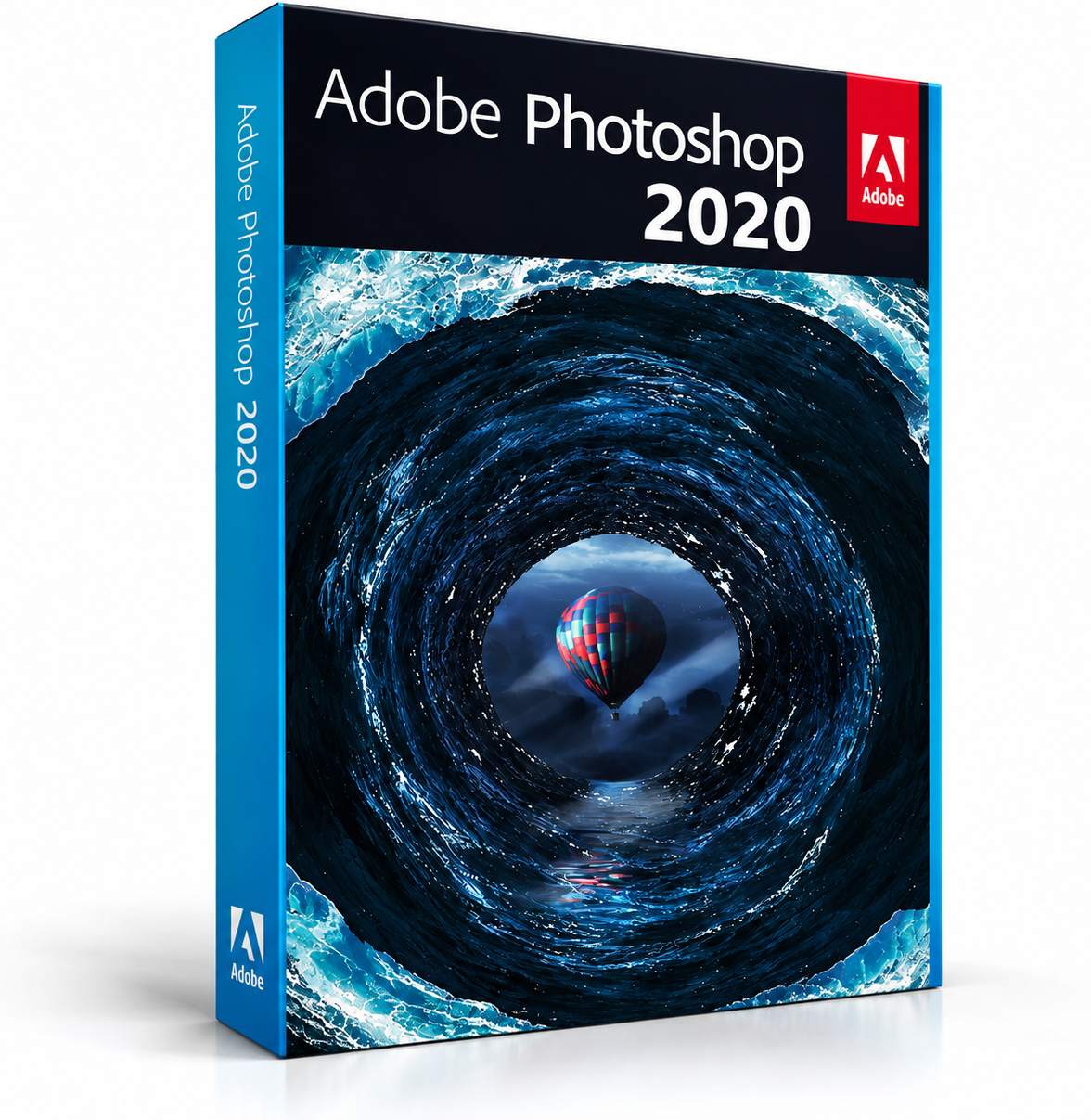
Adobe Photoshop 2020 – Lifetime License for Windows or Mac (1 Device) - WindowsAdobe Photoshop 2020 Lifetime for Windows or Mac Adobe Photoshop 2020 is a professional photo editing and graphic design software for users who need Photoshop without a monthly subscription. This is a preactivated lifetime version for 1 device. You will not receive a product key or Adobe account. After purchase, you will receive a private download link and installation instructions by email. Please choose the correct version before ordering: Windows or Mac. Mac Compatibility Photoshop 2020 was released before the newest macOS versions and before Apple fully moved to Apple Silicon. For Mac, this version is recommended for Intel-based Mac devices only. It is not compatible with macOS Tahoe or later. Adobe lists Photoshop 27.x as the compatible version for macOS Tahoe, which means older versions like Photoshop 2020 are not suitable for Tahoe users. You can check Adobe’s macOS compatibility information here: Adobe apps compatible with macOS. If your Mac is using macOS Tahoe, newer macOS versions, or Apple Silicon only, please do not order this version. Recommended Mac Requirements Requirement Details Processor Intel-based Mac with 64-bit support macOS Older supported macOS versions only RAM 8 GB recommended Storage Around 4 GB free space, more may be needed during installation Display 1280 × 800 or higher File system Not compatible with case-sensitive volumes Windows Compatibility Photoshop 2020 works on supported 64-bit Windows systems. Requirement Details Operating system Windows 10 64-bit recommended Processor Intel or AMD 64-bit processor, 2 GHz or faster RAM 8 GB recommended Graphics OpenGL 2.0 capable graphics card VRAM 2 GB recommended Storage At least 4 GB free space, more may be needed during installation Display 1280 × 800 or higher Adobe’s current technical requirement pages are for newer Photoshop versions, but they show that modern Photoshop compatibility is tied to newer app versions and newer operating systems: Adobe Photoshop technical requirements. What You Can Do With Photoshop 2020 Edit and retouch photos Remove objects and clean images Create posters, banners, and social media designs Work with layers, masks, and effects Adjust colors, brightness, contrast, and exposure Add and edit text Open and edit PSD files Use professional design and photo editing tools Delivery and Installation After your order, you will receive: Private download link Installation instructions Activation steps Video guide Please follow the instructions carefully. This version is preactivated, so it does not activate using an Adobe serial key or Adobe subscription account. FAQ Do I receive a product key? No. This is a preactivated version. No key is included. Do I need an Adobe account? No. This product does not include or require an Adobe subscription account. Can I use it on Mac Tahoe or newer? No. Photoshop 2020 is not compatible with macOS Tahoe or later. Does it work on Apple Silicon Mac? This version is recommended for Intel-based Mac devices. It is not...14,94 £*Shipping: 0,00 £Secure redirect to the provider
-
Adobe Photoshop Elements 2026License features Adobe Photoshop Elements Annual subscription Supported on Windows and Mac Adobe Certified Reseller PrimeLicense is an Adobe Certified Reseller. This certification means that we are authorised to sell Adobe products and services and that we have met the product knowledge requirements. As a certified reseller, we ensure that customers receive authentic products, excellent support, and the best experience when buying Adobe products such as Creative Cloud, Acrobat, etc. Photoshop Elements 2026: Software Overview Photoshop Elements 2026 brings a simpler, smarter, and more creative photo-editing experience — ideal for anyone from casual photographers to hobby creators and content makers. Whether you want quick fixes or full creative control, this version adapts to your skill level and workflow, helping you achieve impressive results with ease. Key features in the 2026 release include: Generative AI tools: Create entirely new images or backgrounds using a text prompt, or insert AI-generated objects directly into your photos for fast and creative edits. Restore Photo tool: Bring old or damaged photos back to life by removing scratches, creases and other imperfections automatically. Improved Remove Tool: Easily erase unwanted objects or people from the scene thanks to smarter AI-powered detection. Free Adobe Express templates: Access a large library of templates to create social posts, cards, photo books, posters and other projects quickly. Smoother workflow and interface improvements: Enjoy updated crop handles, contextual toolbars, clearer tooltips and a built-in spell checker to make editing faster and more intuitive. Mobile photo import via QR: Import photos from your phone instantly by scanning a QR code — no cables required. Enhanced Organizer: Benefit from faster imports, improved cloud support, and better full-screen and zoom controls for managing large photo collections. With these upgrades, Photoshop Elements 2026 gives you powerful creative tools, streamlined workflows and an intuitive editing experience. Whether you want to enhance everyday snapshots or create polished visual projects, this version offers everything you need to bring your ideas to life. Available for Windows and Mac Photoshop Elements 2026 works seamlessly on both Windows and macOS, with all major features — including AI tools, templates and workflow enhancements — available on both platforms. What is the difference between Photoshop and Photoshop Elements? In general, Photoshop and Photoshop Elements are two photo editing programmes, but they are geared towards different categories of users and offer different opportunities. Photoshop is professional-level software with advanced functions that is used by photographers, graphic designers and digital artists to perform complex artistic work. Photoshop puts you in full control and allows you to edit every little detail with features such as layering, masking and filtering. Photoshop is part of Adobe's Creative...85,90 £*Shipping: 0,00 £Secure redirect to the provider
-
Can I install Photoshop on another device?
Yes, you can install Photoshop on another device as long as you have a valid license that allows for multiple installations. Adobe offers different subscription plans that allow you to install Photoshop on multiple devices. Make sure to check your license agreement to ensure you are compliant with Adobe's terms and conditions. **
-
What are the disadvantages of smart objects in Photoshop?
Some disadvantages of smart objects in Photoshop include the larger file sizes they create, which can slow down your computer and take up more storage space. Additionally, smart objects can limit your ability to make direct edits to the content within them, requiring you to go through extra steps to make changes. Finally, smart objects can sometimes cause compatibility issues when transferring files between different versions of Photoshop or other software programs. **
-
What are the disadvantages of Smart Objects in Photoshop?
One disadvantage of Smart Objects in Photoshop is that they can increase file size, which may slow down the performance of the software. Another drawback is that once an image is converted to a Smart Object, it can be more challenging to make direct edits to the content within the Smart Object. Additionally, Smart Objects may not be compatible with certain filters or adjustments, limiting the flexibility of editing options. **
-
From when could one photoshop pictures? When was Photoshop invented?
One could start photoshopping pictures from the time Adobe Photoshop was first released in 1988. Photoshop was invented by Thomas and John Knoll and was initially released as a Mac-only application. It has since become the industry standard for photo editing and manipulation, allowing users to alter and enhance digital images in a wide variety of ways. **
Similar search terms for Photoshop
-
Adobe Photoshop - 1 MonthProduct Details Available as a 1-month or 3-month subscription, with access for 1 user across 2 devices 20 GB of Adobe cloud storage included Adobe Bridge and Lightroom bundled in at no extra cost, so you have a full creative workflow out of the box The licence unlocks every recent Photoshop release — 2023, 2024, and 2025 This Photoshop licence key gives you unrestricted access to every tool the software ships with. After checkout you receive an official activation key by email that unlocks Adobe Photoshop, Adobe Lightroom, and Adobe Bridge. Photoshop runs on both Windows and Mac, so you can install it on whichever machine fits your workflow. Genuine Licence Key from an Adobe Certified Partner PrimeLicense is a certified Adobe reseller, authorised to distribute genuine Adobe software. Every licence sold through our store is sourced through official channels, which means installation is clean, activation is immediate, and your usage is fully compliant. Free Technical Support Our multilingual support team is available seven days a week to help with installation, activation, and anything that does not behave as expected. Send a short description of the issue, ideally with a screenshot, and we will walk you through the fix. How to Get Adobe Photoshop in 3 Simple Steps Buy your licence key — Pick the 1-month or 3-month plan, complete checkout, and you will receive your product key and setup instructions by email. Download and install the software — Follow the link to the official Adobe site, download Photoshop, and run the installer. Activate the software — Sign in with the credentials tied to your key and start editing right away. Save More — Buy Photoshop as Part of a Bundle A bundle works out cheaper per app if you already know you need more than just Photoshop: Adobe Photography Plan (20 GB) — Pairs Photoshop with Lightroom and 20 GB of cloud storage. A strong fit for photographers and retouchers who want a longer commitment at a lower monthly cost. Adobe Creative Cloud All Apps (100 GB) — Unlocks the full Adobe suite: Photoshop, Illustrator, Premiere Pro, InDesign, After Effects and more, with 100 GB of storage. The right choice if your work spans photo, video, and design. Adobe Photoshop 2023, 2024, 2025 — Which Version to Choose Each release layers in new AI tools, performance gains, and compatibility improvements. The version that suits you depends on the hardware you run and the tools you rely on day to day. Photoshop 2023 — A stable, proven release covering the core editing essentials. Lacks the generative AI tools introduced later. Photoshop 2024 — Adds AI-powered features including Generative Fill and Generative Expand, refined selection tools, and a cleaner interface. Photoshop 2025 — The most capable release, with improved AI tooling, faster rendering on modern hardware, and smoother collaboration features. Important: A Photoshop file saved in a newer release cannot be opened by an older one — for example, Photoshop 2023 cannot read a...20,90 £*Shipping: 0,00 £Secure redirect to the provider
-
Adobe Photoshop 2025 for macOS Activation key (Global)Adobe Photoshop 2025 Activation Key (macOS - Global Lifetime key, only works with Adobe Photoshop 2025 ( It does not work with Adobe Cloud or other versions ) Generative Fill not include Firefly generative AI not include Updating to the latest version not include ✔To download the official software and activate the license, follow these steps. 1- You need to have Adobe Creative Cloud services installed on your device, if it is already installed, skip this step. 2- Download the official program provided with the order. for macOS. 3- Activate the received serial. ✅An example of a serial number: XXXX-XXXX-XXXX-XXXX-XXXX-XXXX Platform: Recommended macOS Sonoma14.6.1 or higher Multicore Intel® or Apple Silicon processor (64-bit) Using the software on versions older than those recommended above is at your own risk; no refunds are available. Note: The software does not work at all on version 12 it does work on version 13 but as previously stateduse is at your own risk • RAM (Memory): • Minimum: 8 GB • Recommended: 16 GB or more • Hard Disk Space: • Minimum: 10 GB of available space for installation • Recommended: 100 GB or more (fast internal SSD with a separate scratch disk) • Graphics (GPU): • Metal-capable graphics processor • Minimum VRAM: 1.5 GB • Recommended VRAM: 4 GB or more (especially for 4K displays) • Display Resolution: 1280 x 800 minimum (1920 x 1080 or greater recommended at 100% scaling)10,03 £*Shipping: 0,00 £Secure redirect to the provider
-
Adobe Photoshop 2025 for Windows Activation key (Global)Lifetime key, only works with Adobe Photoshop 2025 ( It does not work with Adobe Cloud or other versions ) Generative Fill not include Firefly generative AI not include Updating to the latest version not include ✔To download the official software and activate the license, follow these steps. 1- You need to have Adobe Creative Cloud services installed on your device, if it is already installed, skip this step. 2- Download the official program provided with the order. for Windows. 3- Activate the received serial. ✅An example of a serial number: XXXX-XXXX-XXXX-XXXX-XXXX-XXXX Platform: Windows 10 (64-bit) version 22H2 or later / Windows 11 only10,03 £*Shipping: 0,00 £Secure redirect to the provider
-
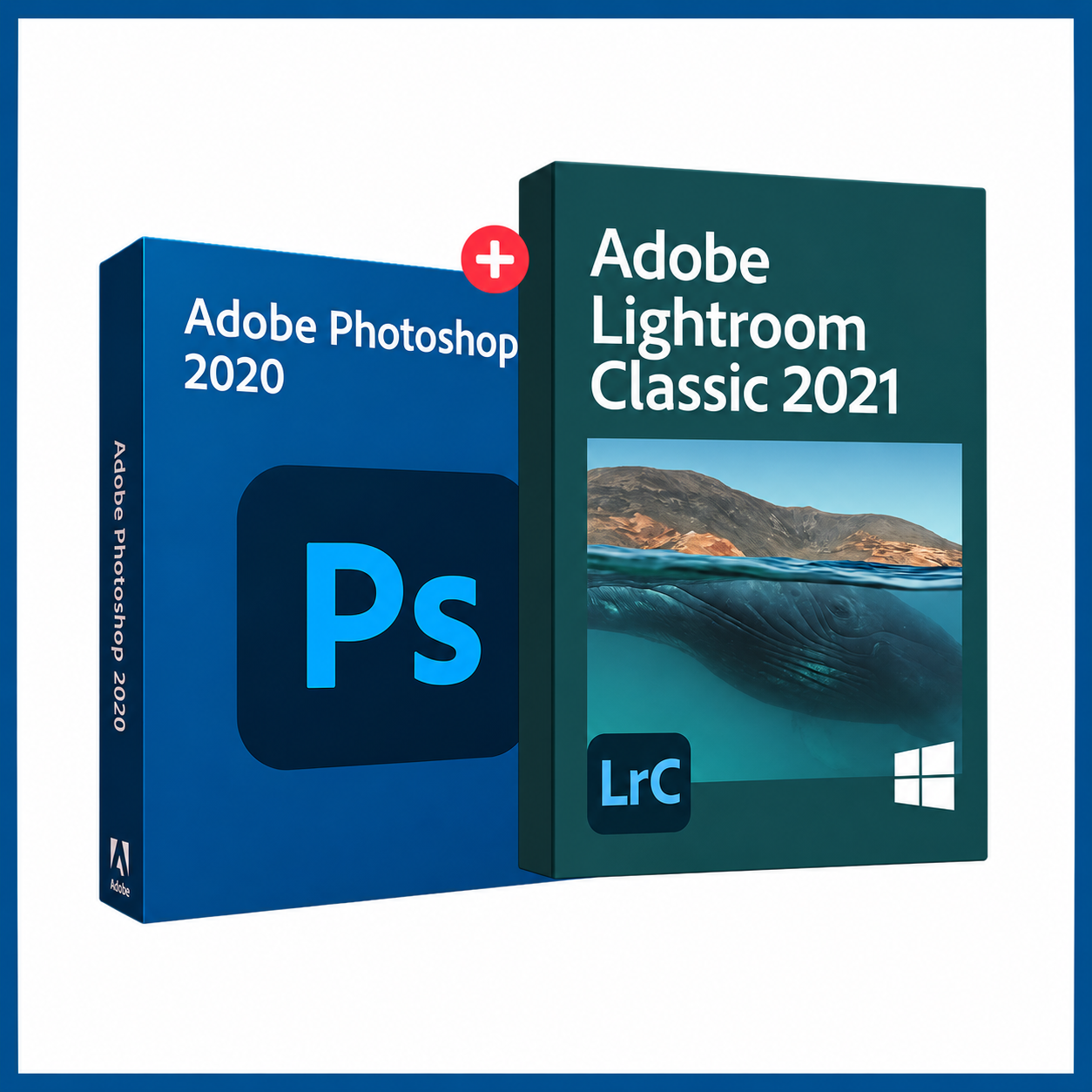
Adobe Photoshop 2020 + Lightroom Classic 2021 Bundle Windows LifetimeAdobe Photoshop 2020 + Lightroom Classic 2021 – Lifetime Bundle Unlock your creative potential with this professional Adobe bundle, featuring Adobe Photoshop 2020 and Adobe Lightroom Classic 2021 — two powerful applications designed for professional photo editing, image enhancement, organization, and creative workflows. Whether you're a photographer, content creator, designer, freelancer, or creative professional, this bundle gives you the essential tools to edit, enhance, organize, and transform your photographs. The products are provided as a digital purchase for one Windows device, with the required download and activation instructions delivered by email. What's Included Adobe Photoshop 2020 A professional image-editing application for detailed photo retouching, graphic design, image compositing, and creative projects. Key features include: Professional photo editing and retouching Advanced selection and masking tools Layers and layer masks Color and lighting adjustments Content-Aware editing Object Selection tools Typography and graphic-design tools RAW image editing support Creative compositing and digital artwork Support for multiple languages Adobe identifies Photoshop 2020 as the 21.x generation. Adobe Lightroom Classic 2021 A powerful desktop photography application designed for organizing, editing, and managing large collections of photographs. Key features include: Professional RAW photo editing Photo organization and catalog management Advanced color and tonal adjustments Lens and camera corrections Non-destructive editing Presets and batch editing Photo import, organization, and export Professional workflow for large photo libraries Lightroom Classic 10.0, released in October 2020 and forming part of the 2021 release generation, requires Windows 10 version 1903 or later and increased the minimum RAM requirement to 8 GB. What's Included With Your Purchase? Adobe Photoshop 2020 Adobe Lightroom Classic 2021 Digital download Download and installation instructions Activation instructions License for 1 Windows device Worldwide use Multiple language support Important: This bundle is for Windows only. macOS is not supported. Important: The license is intended for one device only. A separate license is required for an additional device. System Requirements Because both applications are older releases, the requirements below are based on their corresponding release generations rather than today's current Adobe requirements. Windows Component Minimum Requirement Recommended Operating System Windows 10 64-bit Windows 10/11 64-bit Processor 64-bit Intel or AMD, 2 GHz or faster Quad-core processor or better RAM 8 GB 16 GB or more Graphics DirectX-compatible GPU Dedicated GPU with additional VRAM Storage Free space required for installation SSD recommended Display 1280 × 800 1920 × 1080 or higher For Photoshop 2020, Adobe's documented minimum includes a 64-bit Intel/AMD processor at 2 GHz or faster and Windows 7 SP1 64-bit or Windows 10 version...22,66 £*Shipping: 0,00 £Secure redirect to the provider
-
Is Photoshop absolutely necessary?
While Photoshop is a powerful tool for photo editing and graphic design, it is not absolutely necessary for everyone. There are many alternative software options available that can also achieve similar results, such as GIMP, Canva, or Adobe Lightroom. The necessity of Photoshop depends on the specific needs and preferences of the individual or organization. **
-
Should Photoshop be banned?
Photoshop should not be banned as it is a powerful tool used by professionals in various industries such as graphic design, photography, and advertising. While it can be misused to manipulate images and create unrealistic beauty standards, the responsibility lies with the users to use it ethically. Instead of banning Photoshop, efforts should be made to promote media literacy and educate people on the impact of manipulated images. **
-
Can you check Photoshop?
I'm sorry, but as a language model AI, I don't have the capability to check or access software like Photoshop. However, I can help answer questions or provide information about Photoshop to the best of my knowledge. If you have specific questions about Photoshop, feel free to ask and I'll do my best to assist you. **
-
Which software recognizes Photoshop?
Many software programs are compatible with Photoshop, including Adobe's own Creative Cloud suite, which includes programs like Illustrator, InDesign, and Lightroom. Other software that recognizes Photoshop includes photo editing and design programs like GIMP, CorelDRAW, and Affinity Photo. Additionally, many web and mobile apps, such as Canva and Pixlr, are designed to work seamlessly with Photoshop files. Overall, Photoshop is widely recognized and compatible with a wide range of software for various design and editing purposes. **
* All prices are inclusive of VAT and, if applicable, plus shipping costs. The offer information is based on the details provided by the respective shop and is updated through automated processes. Real-time updates do not occur, so deviations can occur in individual cases. ** Note: Parts of this content were created by AI.