Buy allphone.eu ?
We are moving the project
allphone.eu .
Are you interested in purchasing the domain
allphone.eu ?
domain@kv-gmbh.de · 0541-91531010
Buy allphone.eu ?
Why does the device only receive 2.4 GHz instead of 5 GHz from the Fritzbox?
The device may only receive 2.4 GHz instead of 5 GHz from the Fritzbox because it may not be compatible with the 5 GHz frequency. Some devices, especially older ones, may only support 2.4 GHz Wi-Fi. Additionally, the device may be located too far from the Fritzbox to receive a strong 5 GHz signal, as 5 GHz signals have a shorter range compared to 2.4 GHz signals. Finally, there may be interference or obstacles in the environment that are affecting the 5 GHz signal, causing the device to default to the 2.4 GHz frequency. **
What are 2.4 GHz and 5 GHz?
2.4 GHz and 5 GHz refer to the frequencies at which wireless devices operate. These frequencies are used for Wi-Fi communication, with 2.4 GHz being the more common frequency band. The 5 GHz band offers faster speeds and less interference compared to the 2.4 GHz band, making it ideal for high-bandwidth activities like streaming HD videos or online gaming. Devices that support both frequencies can switch between them based on network conditions to optimize performance. **


Similar search terms for Ghz
Top-Angebote
Products related to Ghz:
-
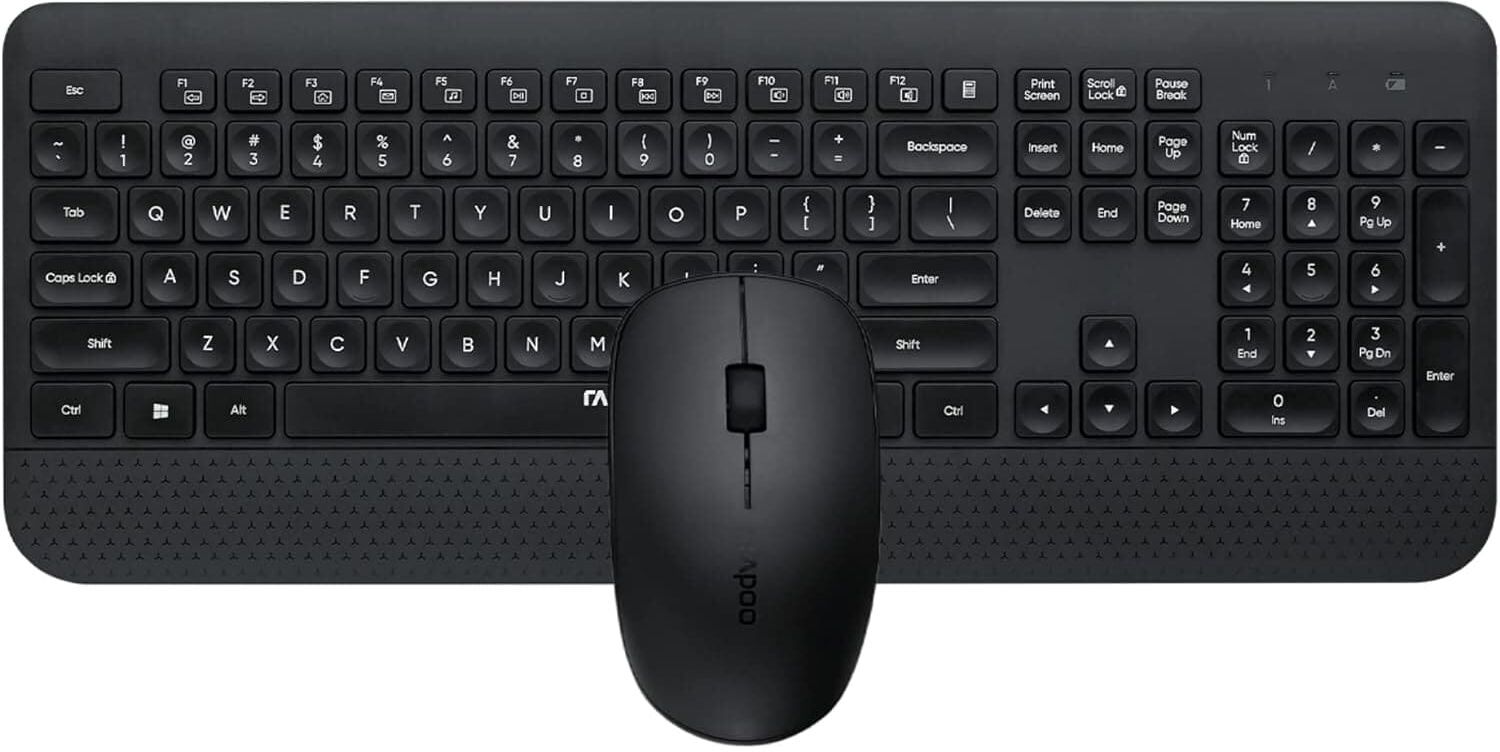
HP 150 – Wireless Mouse (3 Buttons, Ergonomic, USB-A, 2.4 GHz), Black, NewThis item offers wireless connectivity via USB-A and is compatible with Windows 10. It has dimensions of 10.5 x 6 x 3.2 cm. Reliable Precision: Featuring a 1600 DPI optical sensor, this optical mouse delivers accurate performance on a wide range of surfaces. You can conveniently carry it in your backpack alongside your laptop and use it wherever you go. What's Included: The package contains the HP 150 wireless mouse, a key, an AA battery, a quick start guide, a product note, a warranty card, as well as R.E.D and RTF cards.14,90 £*Shipping: 0,00 £Secure redirect to the provider
-
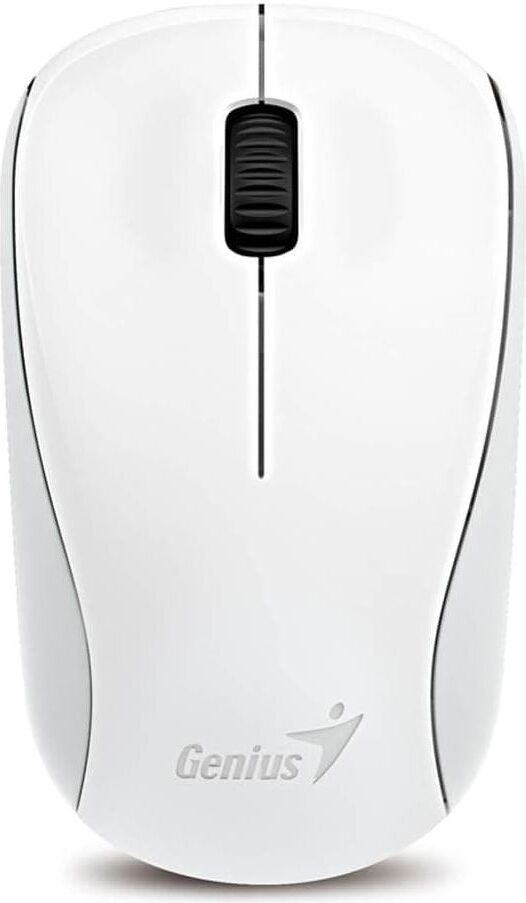
Genius NX 7000 Wireless Mouse 1200 DPI; 2.4 GHz - Blue-Eye Sensor - White, NewBrand Genius Product Dimensions 10 x 5.8 x 3.9 cm; 56 Grams Batteries 1 AAA batteries required. (included) Item model number FBA_NX-7000 BLACK / 31030109100 Manufacturer Genius Series NX-7000 Colour White Computer Memory Type DDR2 SDRAM Wattage 3600 watts Power Source Corded Electric Operating System Linux, Windows XP, Windows 7 Are Batteries Included Yes Lithium Battery Energy Content 2 Kilowatt Hours Lithium Battery Packaging Batteries packed with equipment Lithium Battery Weight 2 Grams Number Of Lithium Ion Cells 5 Number of Lithium Metal Cells 5 Item Weight 56 g14,99 £*Shipping: 0,00 £Secure redirect to the provider
-
Genius NX 7000 Wireless Mouse 1200 DPI; 2.4 GHz - Blue-Eye Sensor - Blue, NewBrand Genius Product Dimensions 10 x 5.8 x 3.9 cm; 56 Grams Batteries 1 AAA batteries required. (included) Item model number FBA_NX-7000 BLACK / 31030109100 Manufacturer Genius Series NX-7000 Colour Blue Computer Memory Type DDR2 SDRAM Wattage 3600 watts Power Source Corded Electric Operating System Linux, Windows XP, Windows 7 Are Batteries Included Yes Lithium Battery Energy Content 2 Kilowatt Hours Lithium Battery Packaging Batteries packed with equipment Lithium Battery Weight 2 Grams Number Of Lithium Ion Cells 5 Number of Lithium Metal Cells 5 Item Weight 56 g14,99 £*Shipping: 0,00 £Secure redirect to the provider


-
Is 3 GHz or 32 GHz RAM better?
In general, 32 GHz RAM is better than 3 GHz RAM. The higher the GHz, the faster the RAM can process data, leading to improved performance and faster loading times. However, the benefits of 32 GHz RAM may not be fully realized unless the rest of the system, such as the processor and storage, can also support and take advantage of the higher speed RAM. Ultimately, the choice between 3 GHz and 32 GHz RAM will depend on the specific requirements and budget of the user. **
-
What is better: 18 GHz or 22 GHz?
The choice between 18 GHz and 22 GHz depends on the specific application. Generally, a higher frequency like 22 GHz would allow for faster data transmission and better performance in tasks that require high bandwidth. However, 18 GHz might be more suitable for applications where lower power consumption or cost is a priority. It is essential to consider the requirements of the specific use case to determine which frequency is better suited. **
-
What is better: fewer GHz or more GHz?
The answer to this question depends on the specific use case. In general, more GHz (gigahertz) is better for tasks that require high processing power, such as gaming, video editing, and 3D rendering. However, for tasks that are less demanding on the processor, fewer GHz may be sufficient and can result in lower power consumption and heat generation. It's important to consider the specific needs of the user and the intended use of the device when determining whether fewer or more GHz is better. **
-
Are 2.4 GHz and 5 GHz turned off?
It is not clear what specific devices or context you are referring to, but in general, 2.4 GHz and 5 GHz frequencies are commonly used for Wi-Fi networks. Whether they are turned off or not depends on the specific settings of the Wi-Fi router or device in question. Some routers allow users to disable one or both of these frequencies, while others may have both frequencies enabled by default. It is important to check the settings of the specific device or network in question to determine whether 2.4 GHz and 5 GHz are turned off. **

How can I connect a Smart TV to 5 GHz?
To connect a Smart TV to a 5 GHz network, you first need to ensure that your Smart TV supports 5 GHz Wi-Fi connectivity. Then, access the settings menu on your Smart TV and navigate to the network settings. Look for the option to connect to a Wi-Fi network and select the 5 GHz network from the list of available networks. Enter the password for the 5 GHz network if prompted, and your Smart TV should now be connected to the 5 GHz network for faster and more reliable internet connection. **
Why is Smart Home only compatible with 2.4 GHz WLAN?
Smart Home devices are typically only compatible with 2.4 GHz WLAN because this frequency provides better coverage and can penetrate walls and other obstacles more effectively than the higher frequency 5 GHz WLAN. This makes it more reliable for connecting and controlling devices throughout the home. Additionally, many older smart home devices were designed to work specifically with 2.4 GHz WLAN, and while newer devices may be compatible with both frequencies, 2.4 GHz remains the standard for most smart home setups. **
Top-Angebote
Products related to Ghz:
-
HP 150 – Wireless Mouse (3 Buttons, Ergonomic, USB-A, 2.4 GHz), Black, NewThis item offers wireless connectivity via USB-A and is compatible with Windows 10. It has dimensions of 10.5 x 6 x 3.2 cm. Reliable Precision: Featuring a 1600 DPI optical sensor, this optical mouse delivers accurate performance on a wide range of surfaces. You can conveniently carry it in your backpack alongside your laptop and use it wherever you go. What's Included: The package contains the HP 150 wireless mouse, a key, an AA battery, a quick start guide, a product note, a warranty card, as well as R.E.D and RTF cards.14,90 £*Shipping: 0,00 £Secure redirect to the provider
-
Why does the device only receive 2.4 GHz instead of 5 GHz from the Fritzbox?
The device may only receive 2.4 GHz instead of 5 GHz from the Fritzbox because it may not be compatible with the 5 GHz frequency. Some devices, especially older ones, may only support 2.4 GHz Wi-Fi. Additionally, the device may be located too far from the Fritzbox to receive a strong 5 GHz signal, as 5 GHz signals have a shorter range compared to 2.4 GHz signals. Finally, there may be interference or obstacles in the environment that are affecting the 5 GHz signal, causing the device to default to the 2.4 GHz frequency. **
-
What are 2.4 GHz and 5 GHz?
2.4 GHz and 5 GHz refer to the frequencies at which wireless devices operate. These frequencies are used for Wi-Fi communication, with 2.4 GHz being the more common frequency band. The 5 GHz band offers faster speeds and less interference compared to the 2.4 GHz band, making it ideal for high-bandwidth activities like streaming HD videos or online gaming. Devices that support both frequencies can switch between them based on network conditions to optimize performance. **
-
Is 3 GHz or 32 GHz RAM better?
In general, 32 GHz RAM is better than 3 GHz RAM. The higher the GHz, the faster the RAM can process data, leading to improved performance and faster loading times. However, the benefits of 32 GHz RAM may not be fully realized unless the rest of the system, such as the processor and storage, can also support and take advantage of the higher speed RAM. Ultimately, the choice between 3 GHz and 32 GHz RAM will depend on the specific requirements and budget of the user. **
-
What is better: 18 GHz or 22 GHz?
The choice between 18 GHz and 22 GHz depends on the specific application. Generally, a higher frequency like 22 GHz would allow for faster data transmission and better performance in tasks that require high bandwidth. However, 18 GHz might be more suitable for applications where lower power consumption or cost is a priority. It is essential to consider the requirements of the specific use case to determine which frequency is better suited. **
Similar search terms for Ghz
-
Genius NX 7000 Wireless Mouse 1200 DPI; 2.4 GHz - Blue-Eye Sensor - White, NewBrand Genius Product Dimensions 10 x 5.8 x 3.9 cm; 56 Grams Batteries 1 AAA batteries required. (included) Item model number FBA_NX-7000 BLACK / 31030109100 Manufacturer Genius Series NX-7000 Colour White Computer Memory Type DDR2 SDRAM Wattage 3600 watts Power Source Corded Electric Operating System Linux, Windows XP, Windows 7 Are Batteries Included Yes Lithium Battery Energy Content 2 Kilowatt Hours Lithium Battery Packaging Batteries packed with equipment Lithium Battery Weight 2 Grams Number Of Lithium Ion Cells 5 Number of Lithium Metal Cells 5 Item Weight 56 g14,99 £*Shipping: 0,00 £Secure redirect to the provider
-
Genius NX 7000 Wireless Mouse 1200 DPI; 2.4 GHz - Blue-Eye Sensor - Blue, NewBrand Genius Product Dimensions 10 x 5.8 x 3.9 cm; 56 Grams Batteries 1 AAA batteries required. (included) Item model number FBA_NX-7000 BLACK / 31030109100 Manufacturer Genius Series NX-7000 Colour Blue Computer Memory Type DDR2 SDRAM Wattage 3600 watts Power Source Corded Electric Operating System Linux, Windows XP, Windows 7 Are Batteries Included Yes Lithium Battery Energy Content 2 Kilowatt Hours Lithium Battery Packaging Batteries packed with equipment Lithium Battery Weight 2 Grams Number Of Lithium Ion Cells 5 Number of Lithium Metal Cells 5 Item Weight 56 g14,99 £*Shipping: 0,00 £Secure redirect to the provider
-
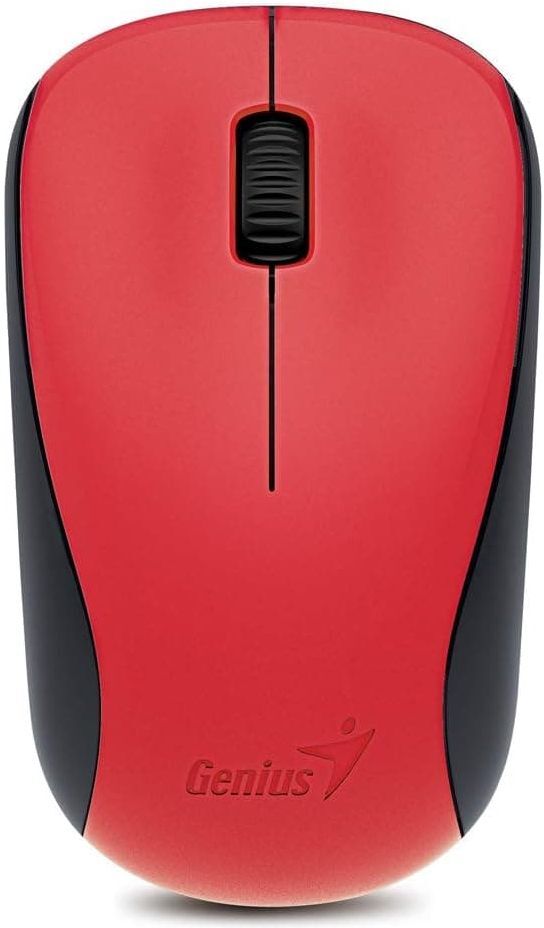
Genius NX 7000 Wireless Mouse 1200 DPI; 2.4 GHz - Blue-Eye Sensor - Red, NewGenius NX 7000 Wireless Mouse 1200 DPI; 2.4 GHz - Blue-Eye Sensor - Red Overview The Genius NX 7000 Wireless Mouse offers 1200 DPI precision and a 2.4 GHz wireless connection, providing a smooth and responsive user experience. Featuring a Blue-Eye sensor, this mouse works on most surfaces, making it versatile for both home and office use. Its red design adds a touch of style while its ergonomic shape ensures comfort for long periods of use. With a wireless design, you can enjoy the freedom of movement without the hassle of cables. Key Features: 1200 DPI for precise control and accuracy 2.4 GHz wireless connection for stable and reliable performance Blue-Eye sensor for versatility on a variety of surfaces Ergonomic design for comfortable use during extended sessions Red colour for a stylish and eye-catching look Plug-and-play for easy setup with no software installation required Product Description The Genius NX 7000 Wireless Mouse provides 1200 DPI precision, making it perfect for a variety of tasks, from office work to gaming. The 2.4 GHz wireless connection ensures a stable, interference-free experience, while the Blue-Eye sensor allows it to work on almost any surface. The ergonomic design ensures comfort during extended use, and its red colour adds a vibrant touch to your setup. With a plug-and-play setup, the mouse is ready to use right out of the box, making it ideal for quick and easy use. 1200 DPI for high precision and control 2.4 GHz wireless connection for reliable performance Blue-Eye sensor for smooth tracking on various surfaces Ergonomic design for comfort during extended use Red colour for a sleek and stylish look Plug-and-play setup for easy installation The Genius NX 7000 Wireless Mouse is a versatile and comfortable choice for users looking for precision and reliability, with a stylish design and seamless performance.14,99 £*Shipping: 0,00 £Secure redirect to the provider
-
JLab Epic Bluetooth Mouse – Rechargeable Wireless Mouse with OLED Display (Tri-Mode: BT 5.2/5.2/2.4 GHz) – Multi-Device, Silent, for Laptop, PC, Mac, iPad & TabletThe JLab Epic Bluetooth Mouse redefines everyday productivity with advanced connectivity, precision control, and ergonomic comfort. Featuring Tri-Mode wireless technology (Bluetooth 5.2 × 2 + 2.4 GHz with USB dongle), it lets you seamlessly connect and switch between up to three devices, making it ideal for multitasking across laptops, desktops, and tablets. Built for modern professionals, it includes a customisable OLED display for quick status updates, rechargeable battery with USB-C fast charging, and silent click buttons for a distraction-free experience. Whether you’re at home, in the office, or on the go, the Epic Mouse combines performance, comfort, and smart functionality in one sleek package. Tri-Mode wireless connectivity – connect via Bluetooth 5.2 (×2) or 2.4 GHz USB dongle for flexible use. Multi-device pairing – toggle instantly between up to three devices with one button. Rechargeable battery – long-lasting power with fast USB-C recharging (cable included). OLED display – shows battery life, DPI setting, and connected device at a glance. Adjustable DPI settings (up to 4000 DPI) – fine-tune cursor speed for work or gaming. Silent clicks – delivers a quiet, responsive click perfect for office environments. Ergonomic sculpted design – contoured shape for long-term comfort and grip stability. Programmable buttons – customise functions for productivity or creative workflows. Wide compatibility – works with Windows, macOS, ChromeOS, iPadOS, and Android. On-the-go ready – compact, lightweight, and ideal for travel or hybrid work setups. The JLab Epic Bluetooth Mouse is the ultimate multi-device companion for professionals, students, and creators who demand reliability, customisation, and comfort in their workflow. Specification Details Model JLab Epic Bluetooth Mouse Connectivity Tri-Mode: Bluetooth 5.2 × 2 + 2.4 GHz USB Dongle Multi-Device Support Up to 3 Devices DPI Range Up to 4000 DPI (Adjustable) Display OLED Screen (Battery, Device, DPI Info) Battery Type Rechargeable Lithium-Ion Charging Port USB-C (Cable Included) Buttons 6 (Programmable) Click Type Silent / Quiet Click Sensor Type Optical Compatibility Windows, macOS, ChromeOS, iPadOS, Android Wireless Range Up to 10 Metres Dimensions Approx. 110 × 70 × 40 mm Weight Approx. 100 g Colour Black / Graphite39,99 £*Shipping: 0,00 £Secure redirect to the provider
-
What is better: fewer GHz or more GHz?
The answer to this question depends on the specific use case. In general, more GHz (gigahertz) is better for tasks that require high processing power, such as gaming, video editing, and 3D rendering. However, for tasks that are less demanding on the processor, fewer GHz may be sufficient and can result in lower power consumption and heat generation. It's important to consider the specific needs of the user and the intended use of the device when determining whether fewer or more GHz is better. **
-
Are 2.4 GHz and 5 GHz turned off?
It is not clear what specific devices or context you are referring to, but in general, 2.4 GHz and 5 GHz frequencies are commonly used for Wi-Fi networks. Whether they are turned off or not depends on the specific settings of the Wi-Fi router or device in question. Some routers allow users to disable one or both of these frequencies, while others may have both frequencies enabled by default. It is important to check the settings of the specific device or network in question to determine whether 2.4 GHz and 5 GHz are turned off. **
-
How can I connect a Smart TV to 5 GHz?
To connect a Smart TV to a 5 GHz network, you first need to ensure that your Smart TV supports 5 GHz Wi-Fi connectivity. Then, access the settings menu on your Smart TV and navigate to the network settings. Look for the option to connect to a Wi-Fi network and select the 5 GHz network from the list of available networks. Enter the password for the 5 GHz network if prompted, and your Smart TV should now be connected to the 5 GHz network for faster and more reliable internet connection. **
-
Why is Smart Home only compatible with 2.4 GHz WLAN?
Smart Home devices are typically only compatible with 2.4 GHz WLAN because this frequency provides better coverage and can penetrate walls and other obstacles more effectively than the higher frequency 5 GHz WLAN. This makes it more reliable for connecting and controlling devices throughout the home. Additionally, many older smart home devices were designed to work specifically with 2.4 GHz WLAN, and while newer devices may be compatible with both frequencies, 2.4 GHz remains the standard for most smart home setups. **
* All prices are inclusive of VAT and, if applicable, plus shipping costs. The offer information is based on the details provided by the respective shop and is updated through automated processes. Real-time updates do not occur, so deviations can occur in individual cases. ** Note: Parts of this content were created by AI.